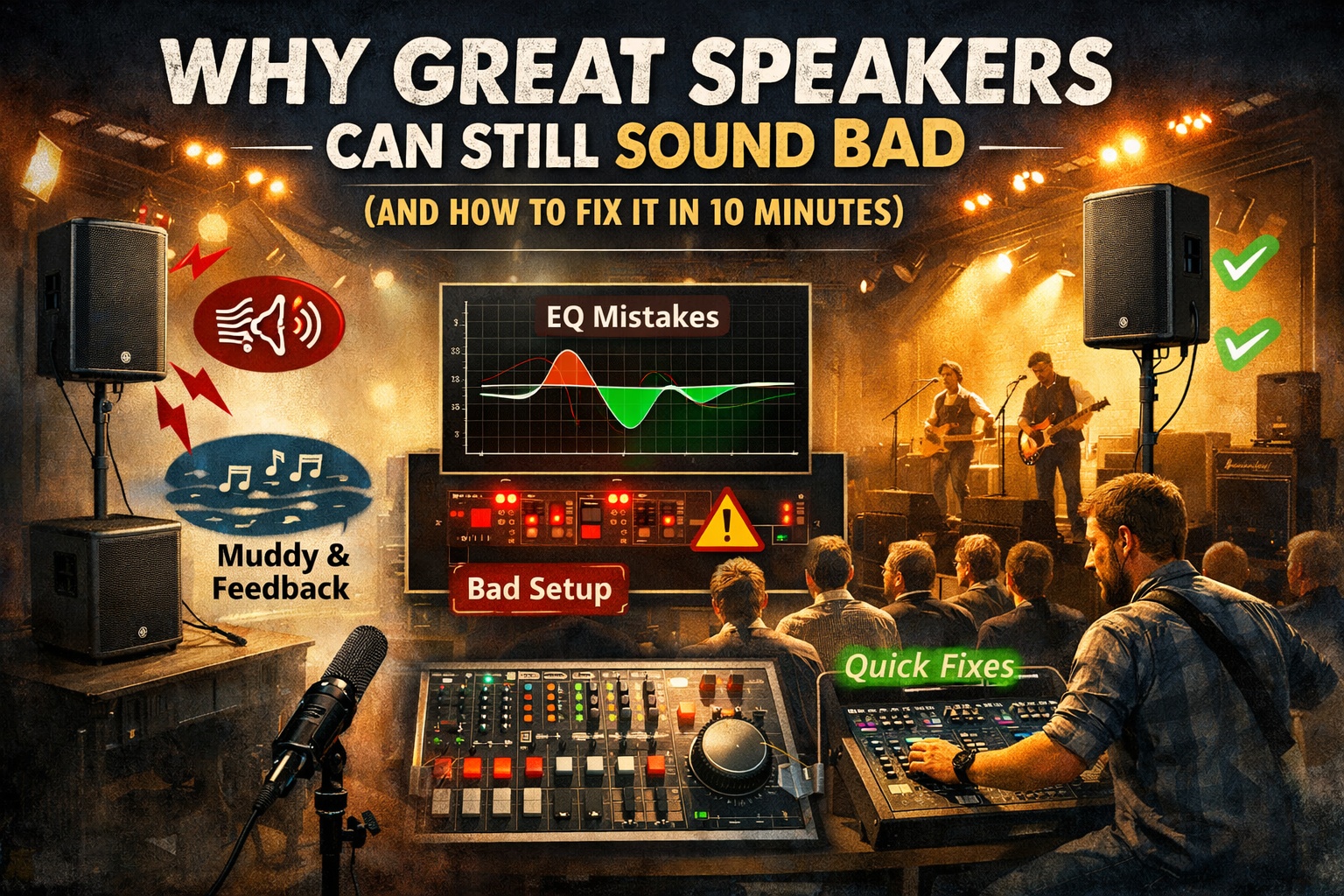
You finally invested in good speakers.
You plug everything in.
You hit play.
…and somehow it still sounds muddy, harsh, quiet, or squealy.
Here’s the truth most people don’t want to hear:
Bad sound is usually not the speaker’s fault.
In small venues, churches, garages, halls, and backyard gigs, even professional-grade speakers can sound awful if a few key things are off. The good news? Most of these problems can be fixed in about 10 minutes.
1. The Room Matters More Than the Speaker
Every room has its own personality — and most of them are not friendly to sound.
Common problem spaces:
- Hard walls (gyms, churches, halls)
- Low ceilings
- Wide open rooms with no absorption
- Corners that trap bass
These spaces reflect sound back at the speakers and microphones, creating muddiness, harsh highs, and feedback at random frequencies.
Quick fix (2 minutes):
- Don’t aim speakers directly at flat walls
- Angle them slightly inward toward the audience
- Pull speakers forward of microphones whenever possible
You don’t need acoustic panels — just smarter placement.
2. Speaker Placement Can Make or Break Everything
This is the most common mistake I see.
Common placement problems:
- Speakers sitting on the floor
- Speakers behind performers
- Speakers aimed at knees or ceilings
- Speakers shoved into corners
Quick fix (3 minutes):
- Raise speakers above head height
- Aim them at ears, not chests or ceilings
- Keep them slightly forward of microphones
- Avoid corners whenever possible
A $600 speaker placed correctly will beat a $2,000 speaker placed wrong every time.
3. EQ Is for Cutting Problems — Not Making It “Louder”
A lot of people EQ by turning things up. That’s backwards.
If your sound is muddy, harsh, or feeding back, the issue is usually too much of one frequency — not too little of another.
Quick fix (3 minutes):
- Start with a flat EQ
- Raise volume slowly until feedback just begins
- Identify the problem frequency and cut it
- Avoid boosting unless absolutely necessary
Common problem areas:
- 200–400 Hz → muddiness
- 2–4 kHz → harshness and ear fatigue
Small cuts go a long way.
4. Auto-EQ Helps — But Only If You Let It
Auto-EQ and RTA tools can be amazing… or terrible.
They fail when the measurement mic is placed poorly, the room is empty, or the system is already clipping.
Quick fix (2 minutes):
- Place the measurement mic where listeners’ ears will be
- Run Auto-EQ at moderate volume
- Use it as a starting point, not the final answer
- Make small manual tweaks afterward
Auto-EQ won’t fix bad placement — but it will polish a good setup.
5. Gain Structure: The Silent Sound Killer
If your system is loud but unclear, quiet but distorted, or feeding back early, gain structure is often the problem.
Quick check (1 minute):
- Set input gains so peaks stay out of the red
- Keep master faders near unity
- Use speaker volume knobs for overall loudness
Clean signal in equals clean sound out.
The 10-Minute DIY Fix Checklist
- Speakers above head height
- Speakers in front of microphones
- Aimed toward the audience, not walls
- Flat EQ to start
- Cut problem frequencies, don’t boost
- Run Auto-EQ after placement is correct
- Check gains before turning things up
Final Thought
Great speakers don’t automatically mean great sound.
The room, placement, and tuning matter more than the logo on the box.
If you take just a few minutes to set things up correctly, you can turn a frustrating gig into one that sounds clean, loud, and professional — even with budget gear.
If anyone would like more information about one of these areas, please leave a comment below and we’d be happy to go into more detail.


Leave a Reply